
Skip to content
Clovr

The Clovr Customer Experience Centre

No more demos.Try it yourself.

A hands-on walkthrough of Clovr that you take on your own time. Text Taylor the way a customer would, sit at the desk your team would use and watch a sales call get graded. No meeting, no screen share, nobody waiting on you.

It’s invite only: ask once and we send you your own link.

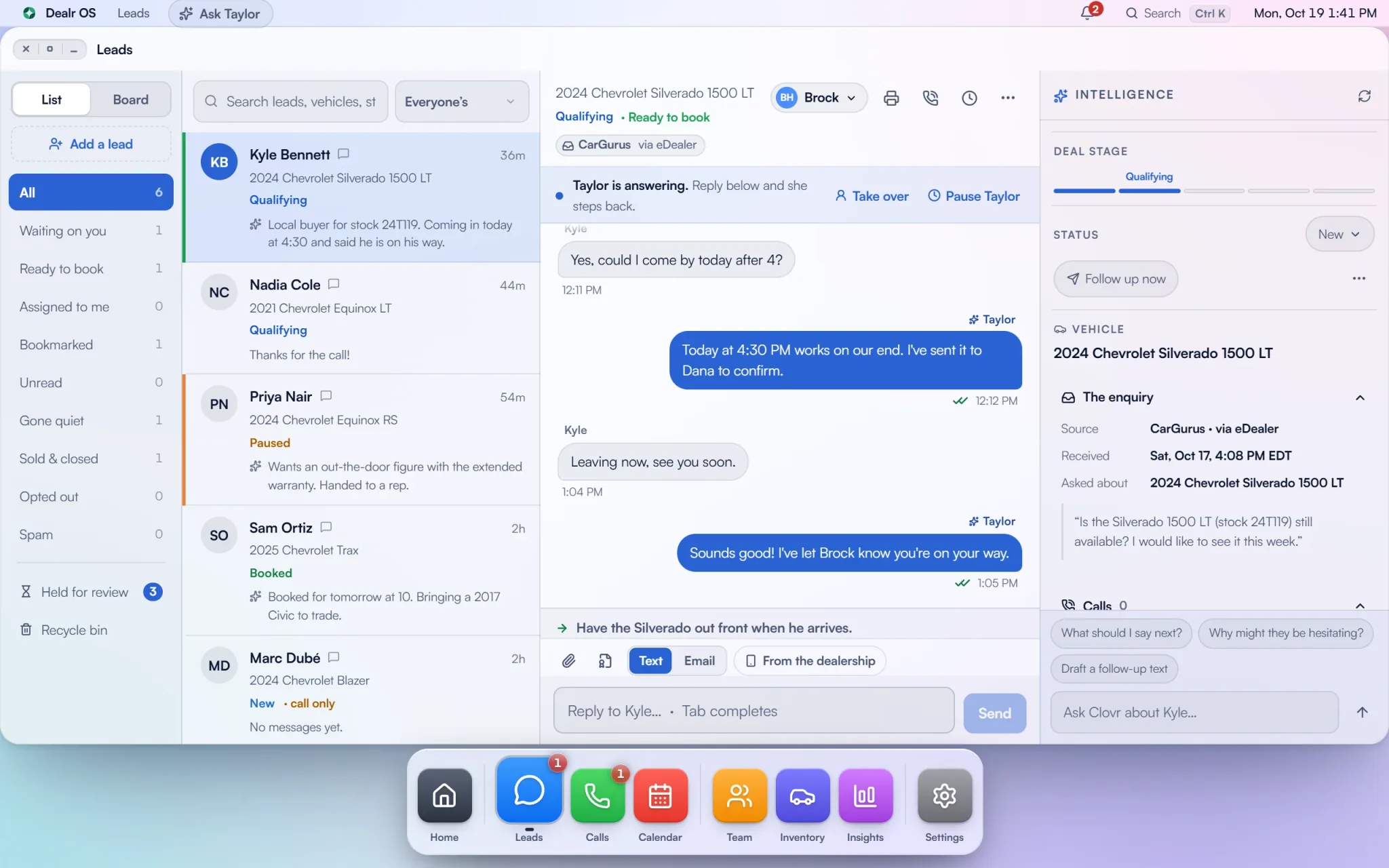
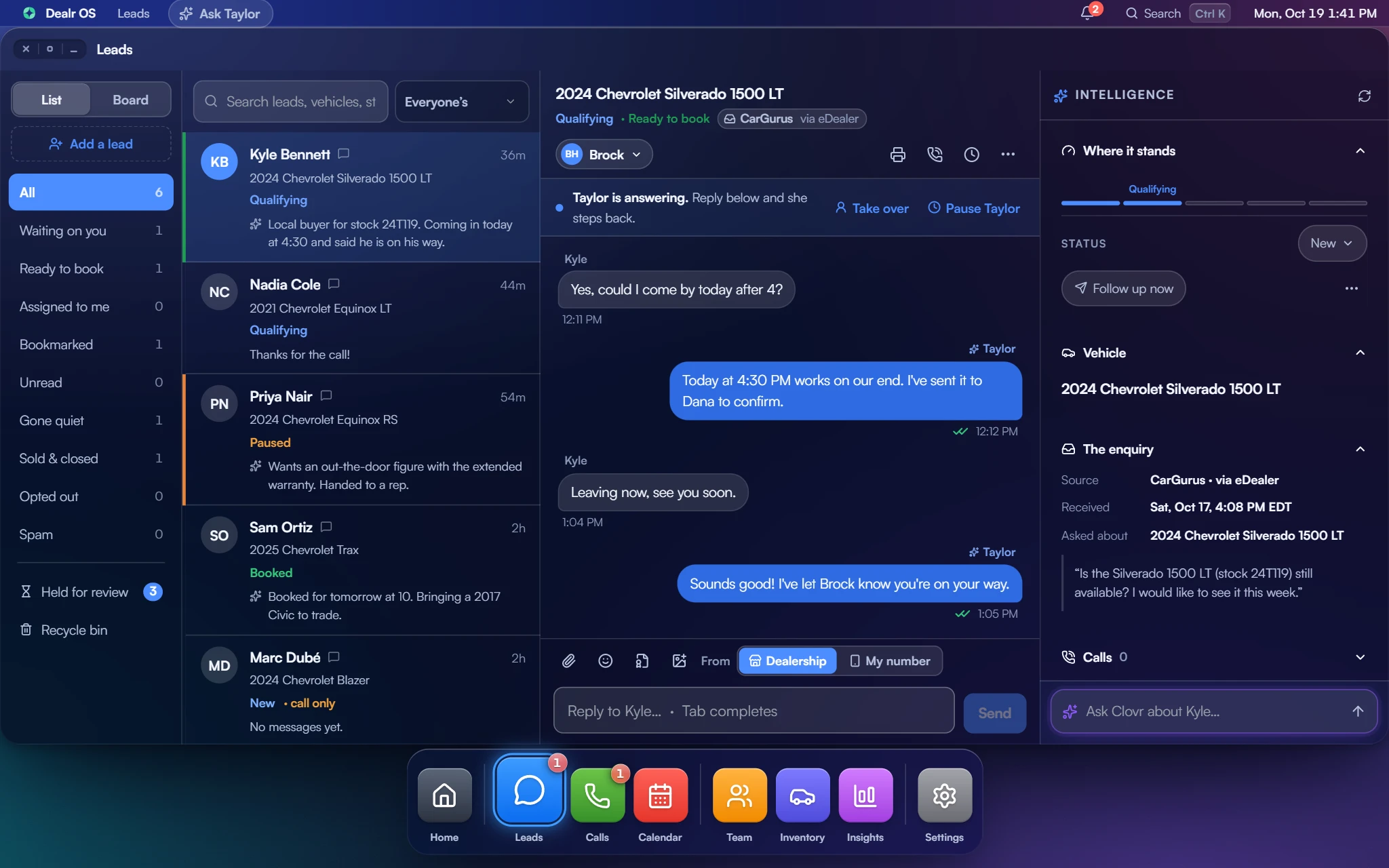
The Leads app in Dealr OS: folders down the side, customers with their stage, vehicle and a one-line read of where each one stands, and one conversation open with Taylor's replies, Take over and Pause Taylor, and the customer's enquiry and team notes alongside.
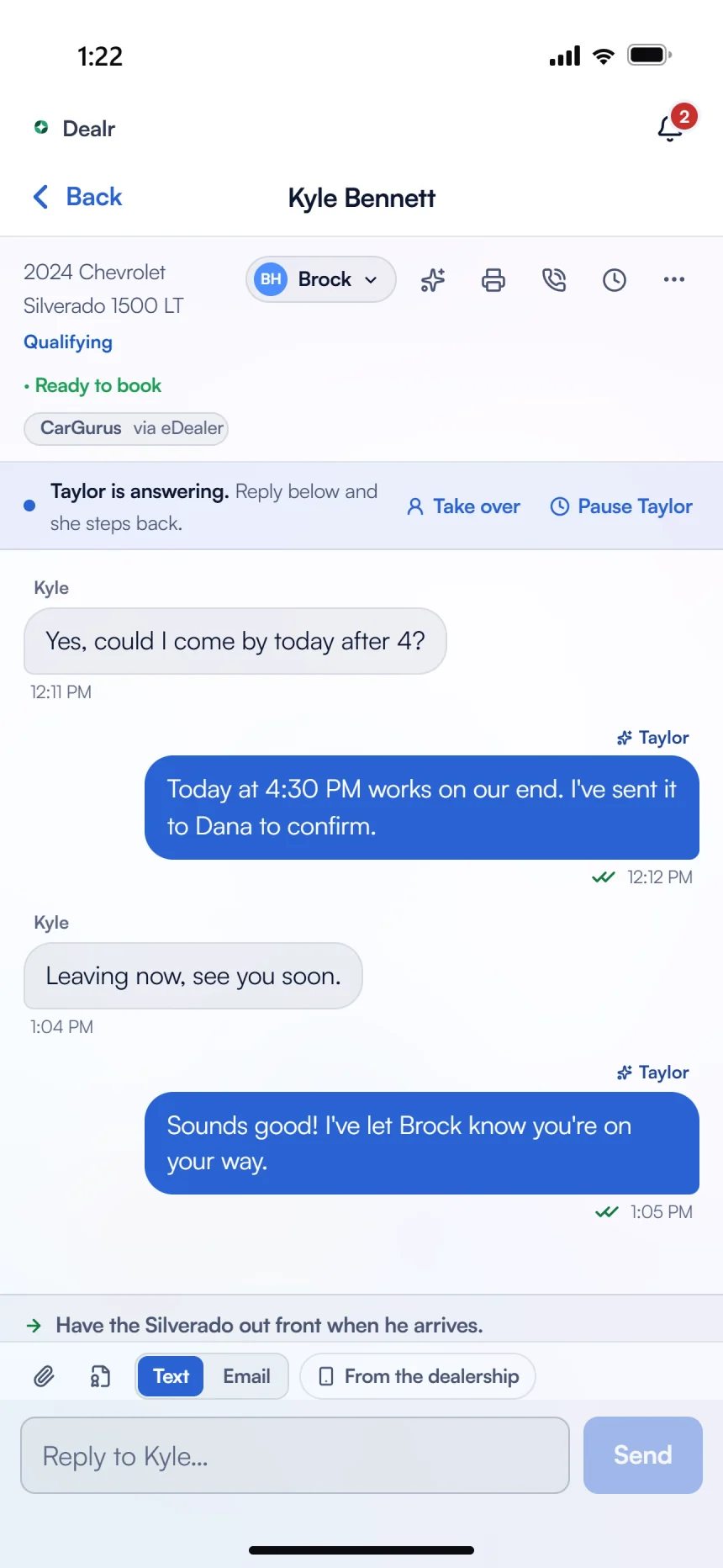
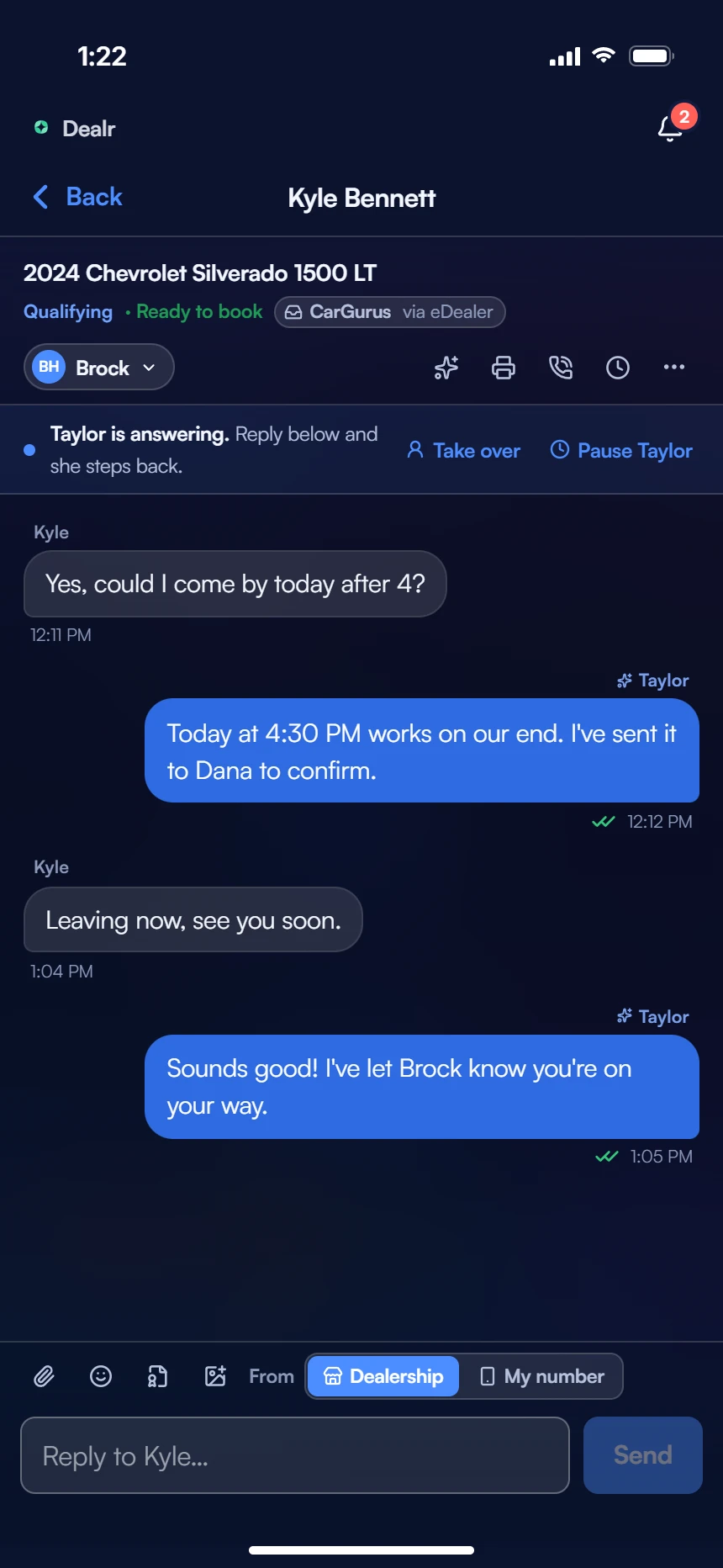
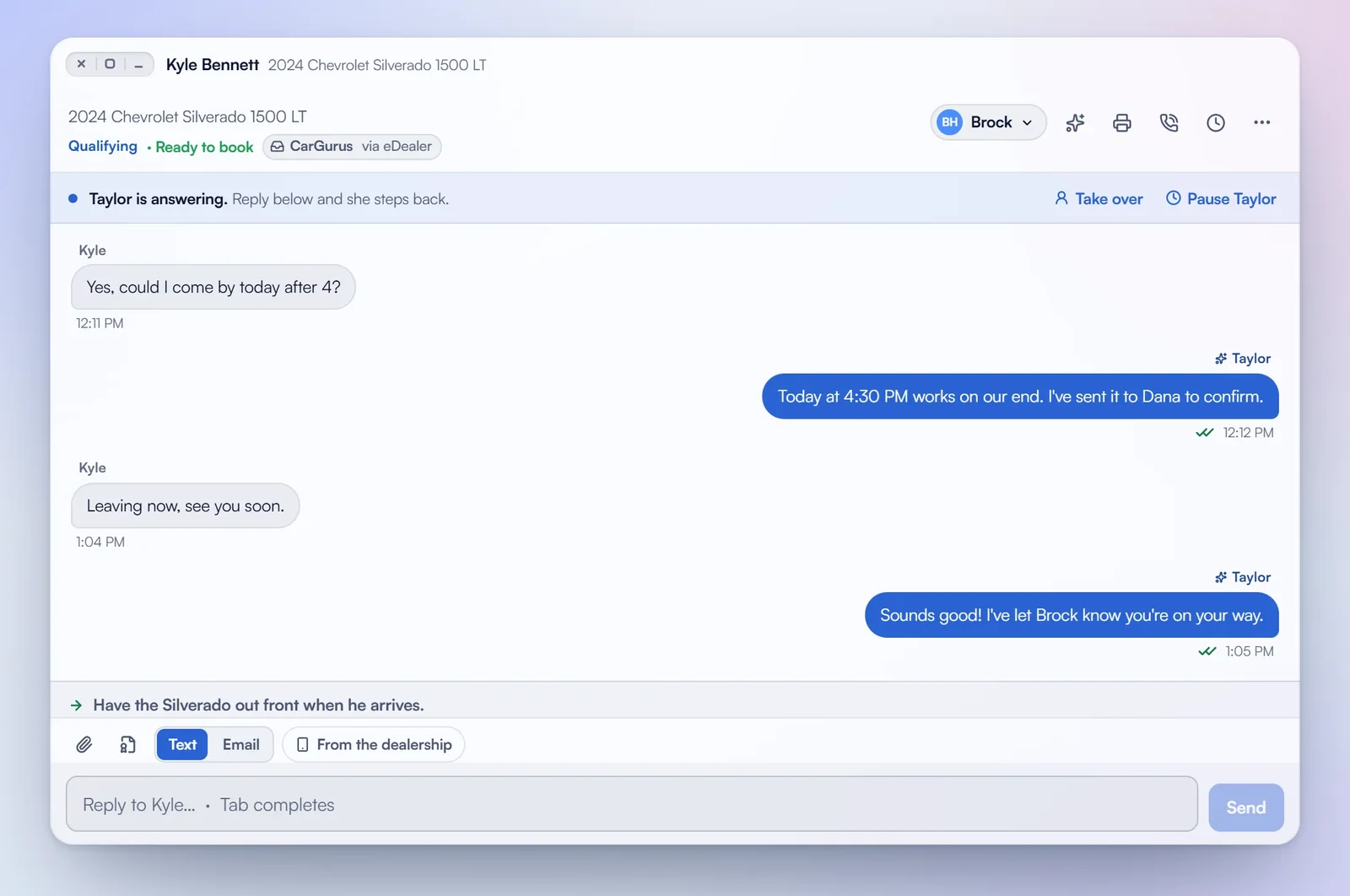
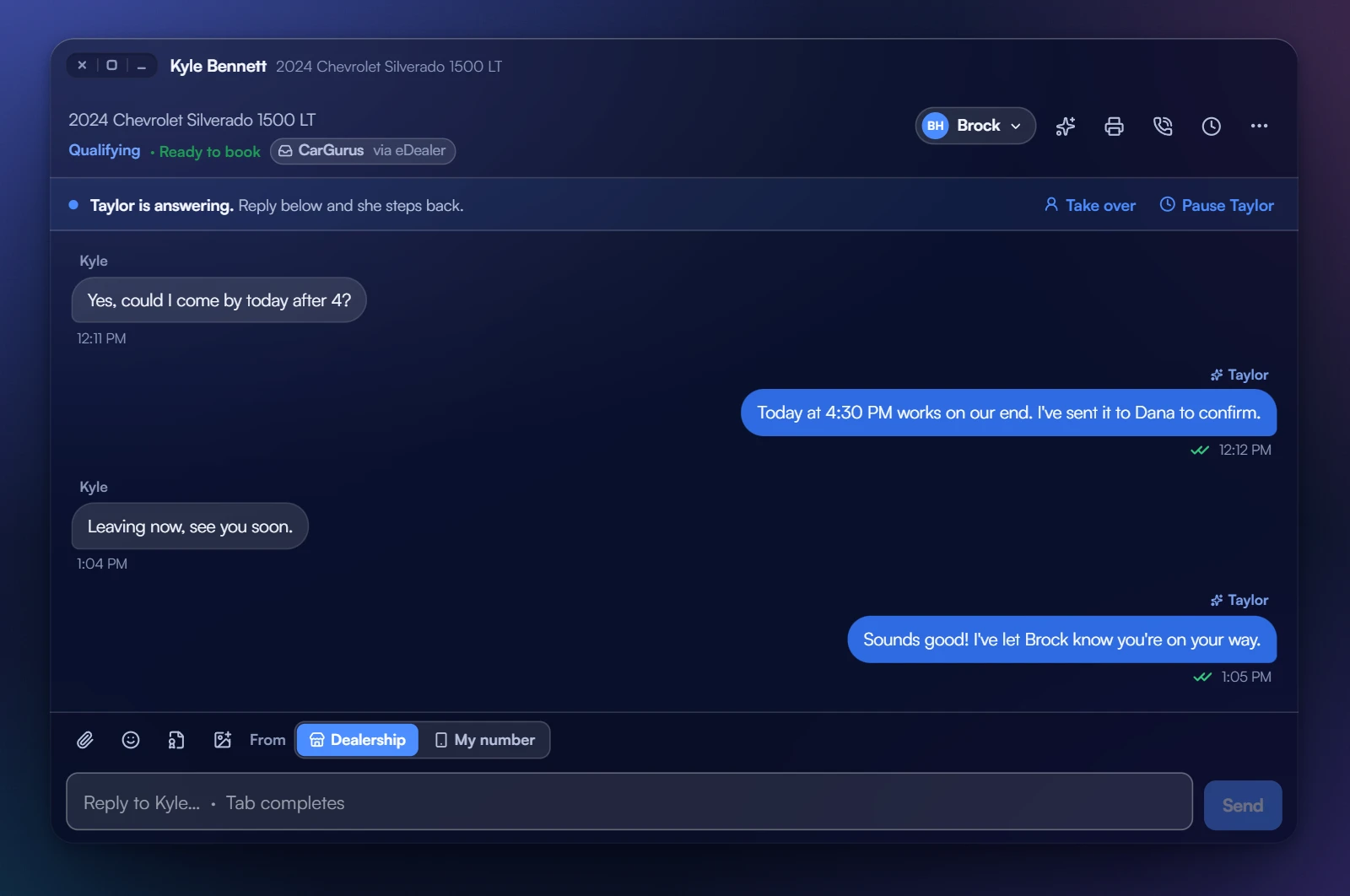
A customer's conversation on a phone: he asks to come by after 4, Taylor offers 4:30 and sends it to the manager to confirm, and when he says he is leaving now she tells him the rep knows he is on his way.

Hands on

Please touch the exhibits.

Every room is the real product on a sample store. Press anything: nothing breaks, and nothing reaches a real customer.

Dealr OS on a desktop: Kyle Bennett's conversation in its own window, with the close, fill and put-away control in the corner, Taylor answering, Take over and Pause Taylor, and the next step for the rep.

Exhibit 01

Text Taylor.

Tap through a conversation as the customer and see how Taylor answers: the listed price, whether you’re local, a visit for a manager to approve.

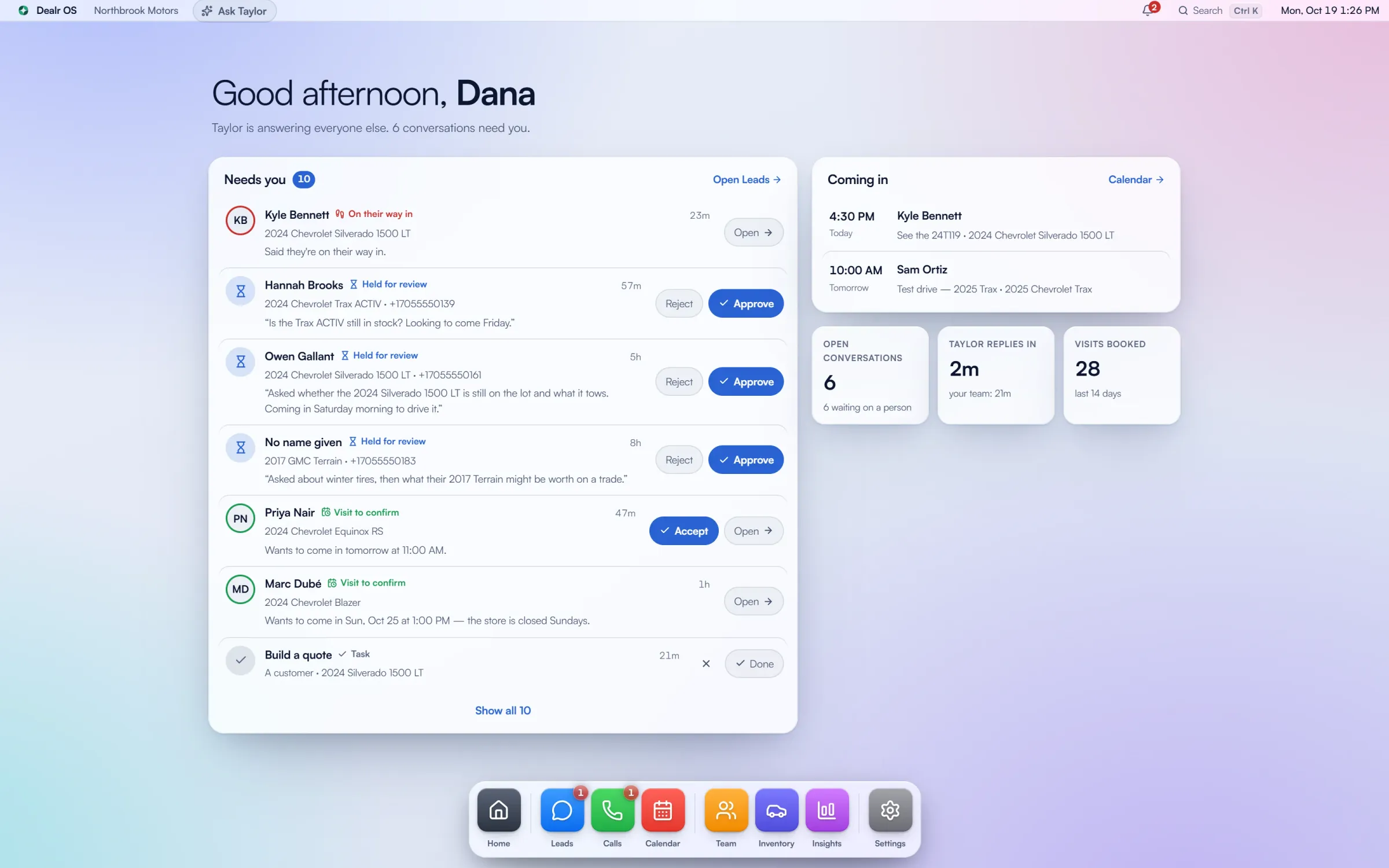
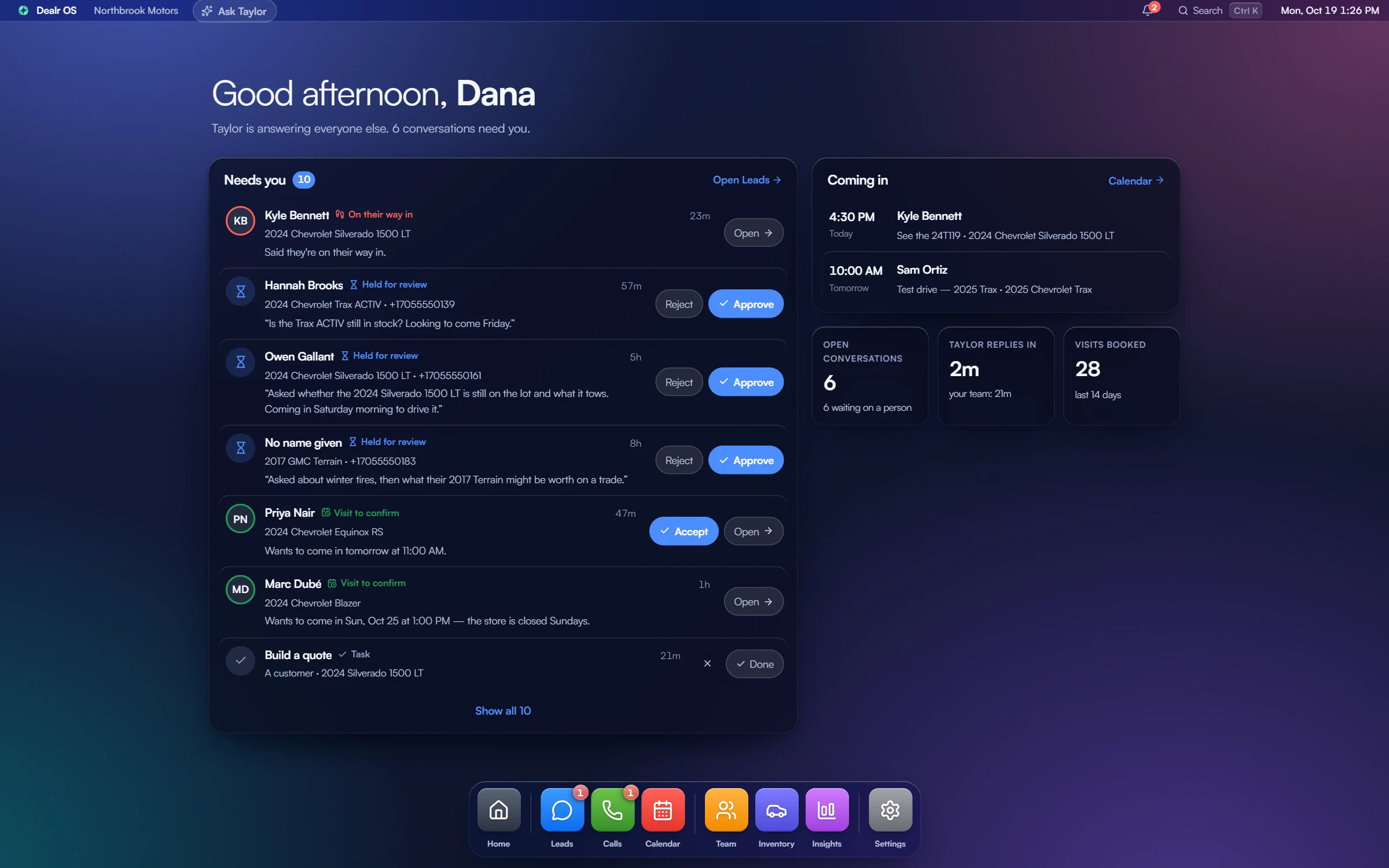
Dealr OS on a desktop: a greeting for Dana, the conversations that need a person (a customer on his way in, new enquiries waiting for a yes, visits to confirm and a task), who is coming in today and tomorrow, how fast Taylor replies, and the dock.

Exhibit 02

Sit at the desk.

Open Dealr OS the way a rep would: windows, the dock and every lead in one place.

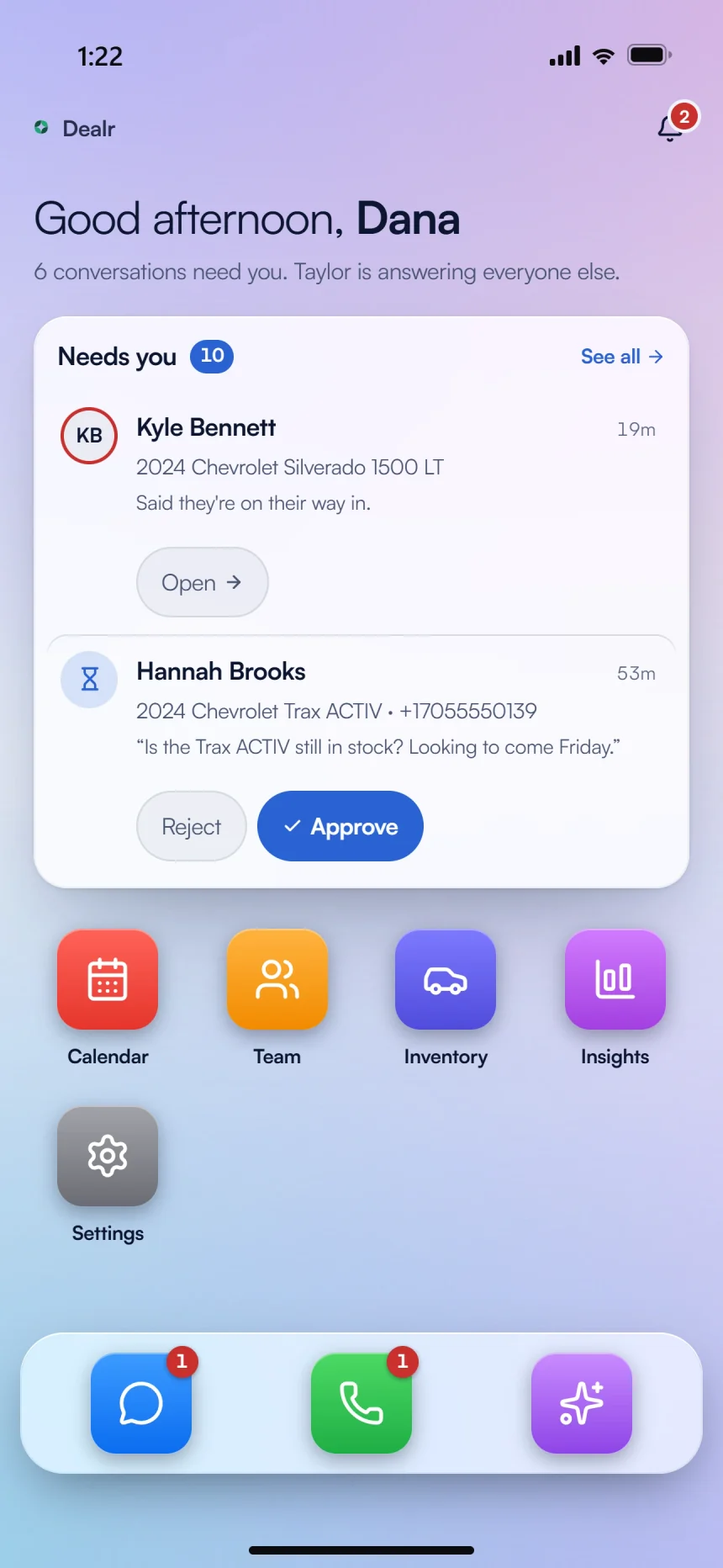
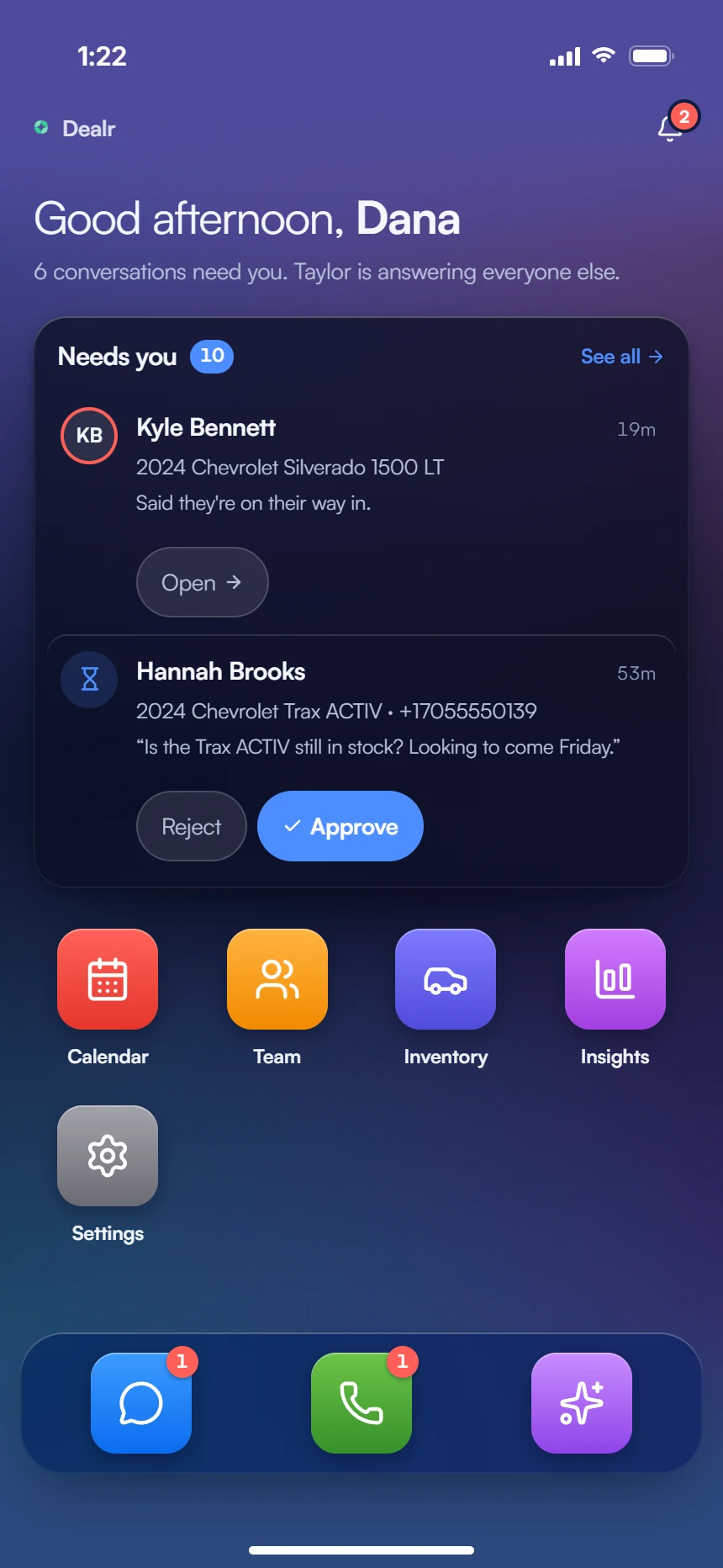
Dealr OS on a phone: a customer on his way in, a new enquiry waiting for a yes with Approve and Reject, the app icons and the dock.

Exhibit 03

Put it in your pocket.

The phone app at full size, the one a manager says yes from on the lot.

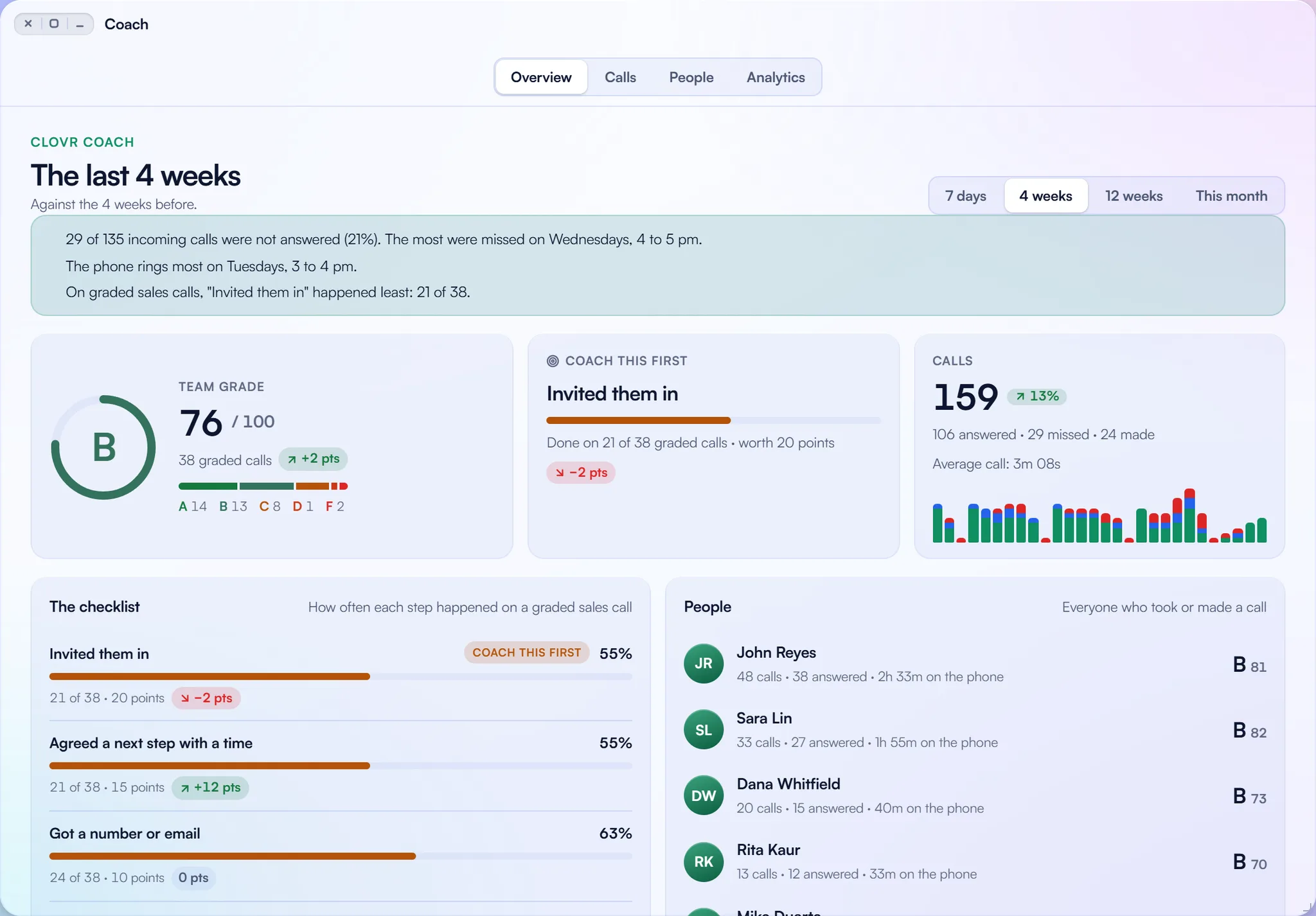
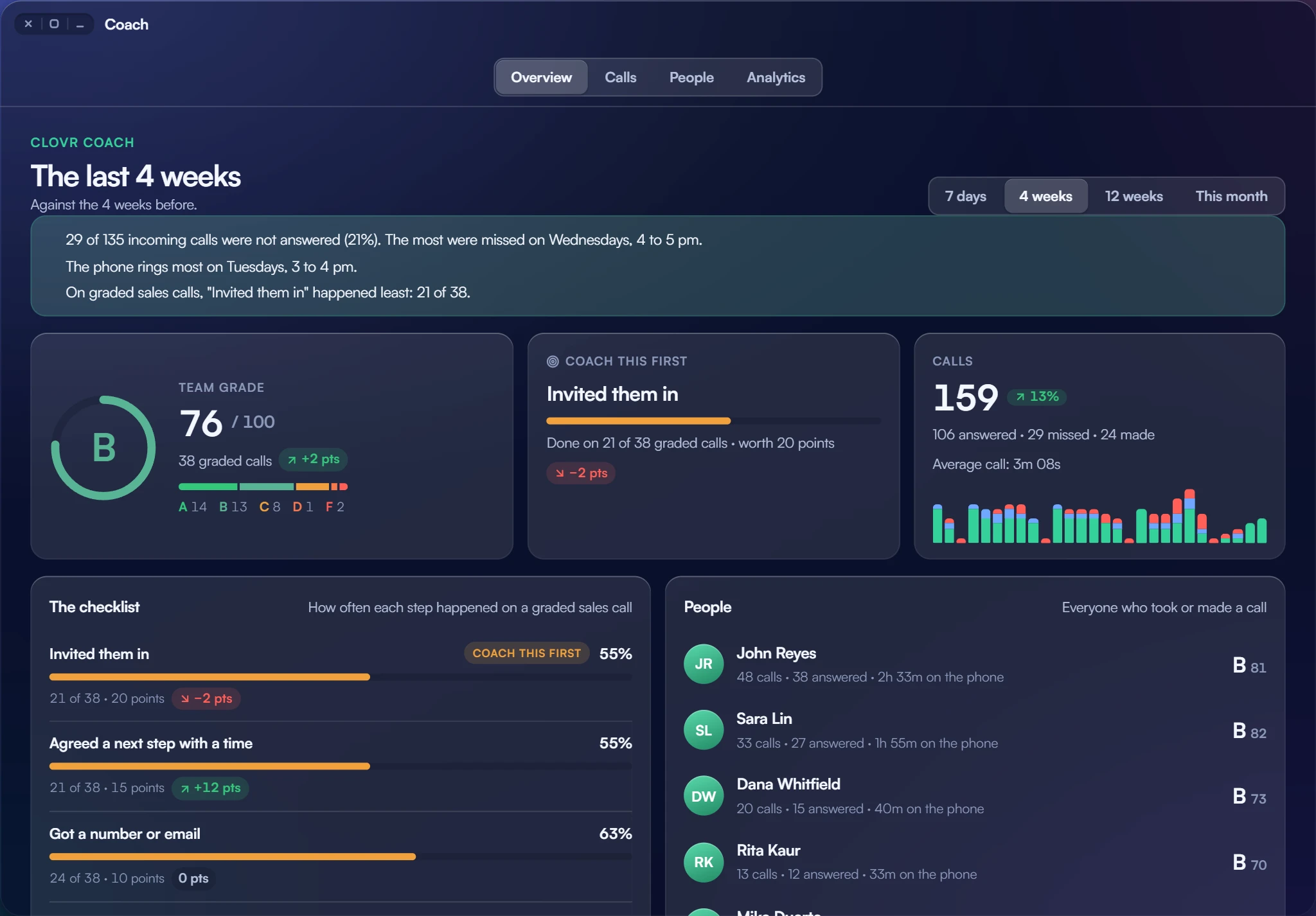
Clovr Coach in Dealr OS: the last four weeks, a team grade of B, the step to coach first, the calls taken and made, how often each step happened on a graded call, and each rep's grade.

Exhibit 04

Watch a call get graded.

Coach scores a sample sales call on seven steps and names the one thing to work on.

Will Taylor ever offer a discount? The guideNo. She gives the listed price only. Discounts, payments and financing come from your sales manager.

Exhibit 05

Ask the guide.

Wondering how something works? Ask in your own words and get a straight answer.

Send it to

Your GM, by textYour owner, by email

Exhibit 06

Bring your GM.

Send the whole thing to your GM or your owner with a tap, a QR code or an email.

How it works

On your own time, start to finish.

  1. Ask for a link

    Request access and we send you your own invitation.

  2. Say who you are

    A one-minute welcome: your name, your store and what matters to you.

  3. Wander

    Explore in any order, for as long as you like, and come back with the same link.

  4. Talk when you’re ready

    Book a call with our team from any room, whenever you want one.

The quickest way to know it is to experience it.

Ask for your invitation to the Clovr Customer Experience Centre and explore Clovr whenever suits you.

Invite only. What it collects is explained in our Privacy Policy.